
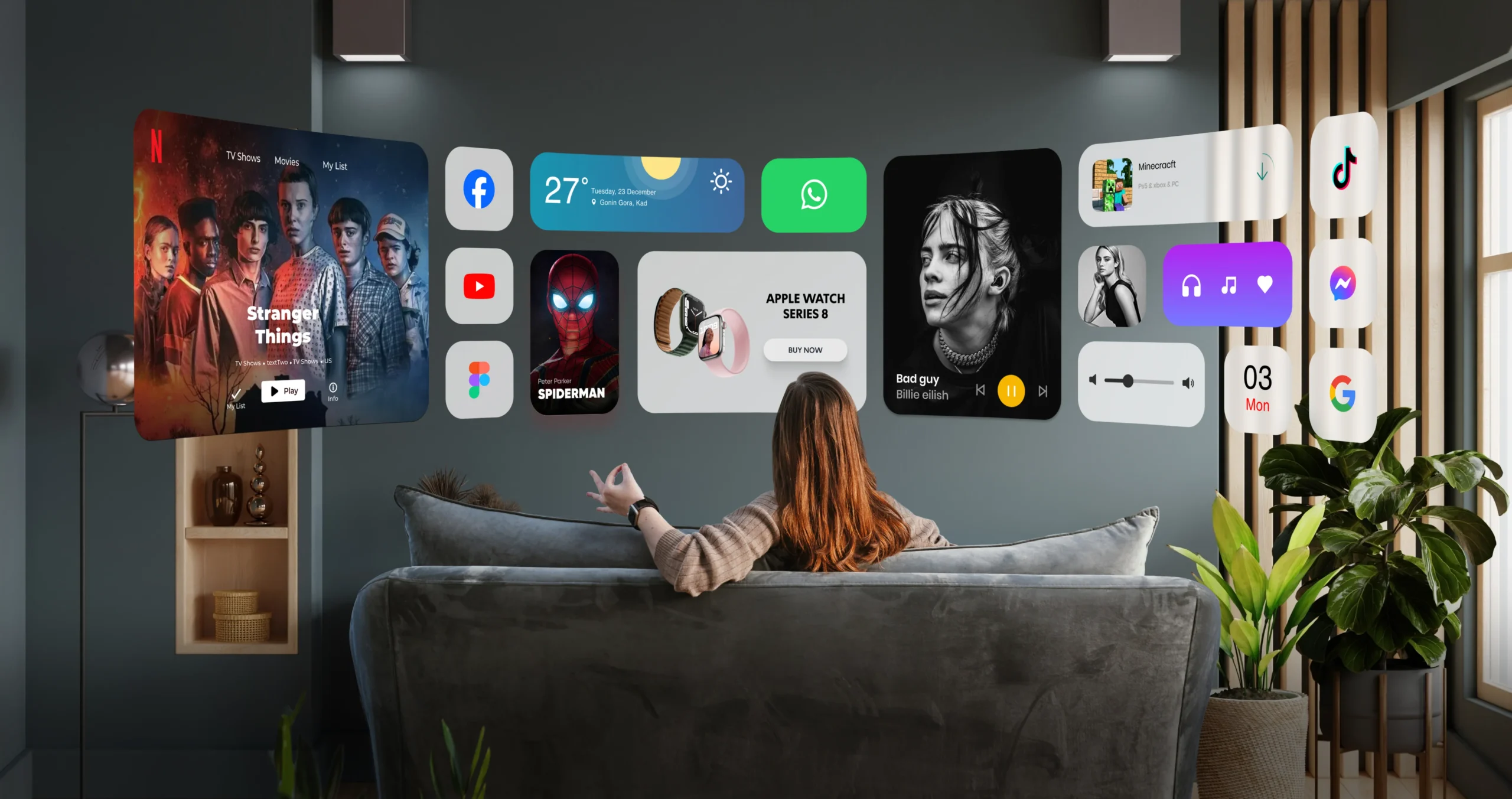
For decades, we have controlled our smart devices using touch screens, physical mice, and voice commands. Voice controls work fine when you are alone at home. However, talking out loud to a smartwatch feels awkward in a crowded room or a quiet office.
Swiping on a tiny watch screen also gets tricky in daily life. For example, your hands might be wet, covered in sweat during a workout, or full of shopping bags.
The team behind the Mudra Band built a completely different solution. Instead of putting extra buttons on your wrist, this smart wristband reads subtle electrical signals directly from your nervous system. As a result, you can control your devices without touching a single screen.
Here is a look at how the Mudra Band works, how its neural sensors read nerve pulses, and why it changes daily device control.
How It Works: Turning Nerve Signals into Digital Commands
When you decide to move a finger, your brain sends a small electrical pulse down your arm. Motor nerves carry this electrical message straight to your wrist and hand.
Traditional motion trackers only react after your hand actually moves. In contrast, the Mudra Band catches these signals much earlier at the wrist using surface nerve conduction technology.
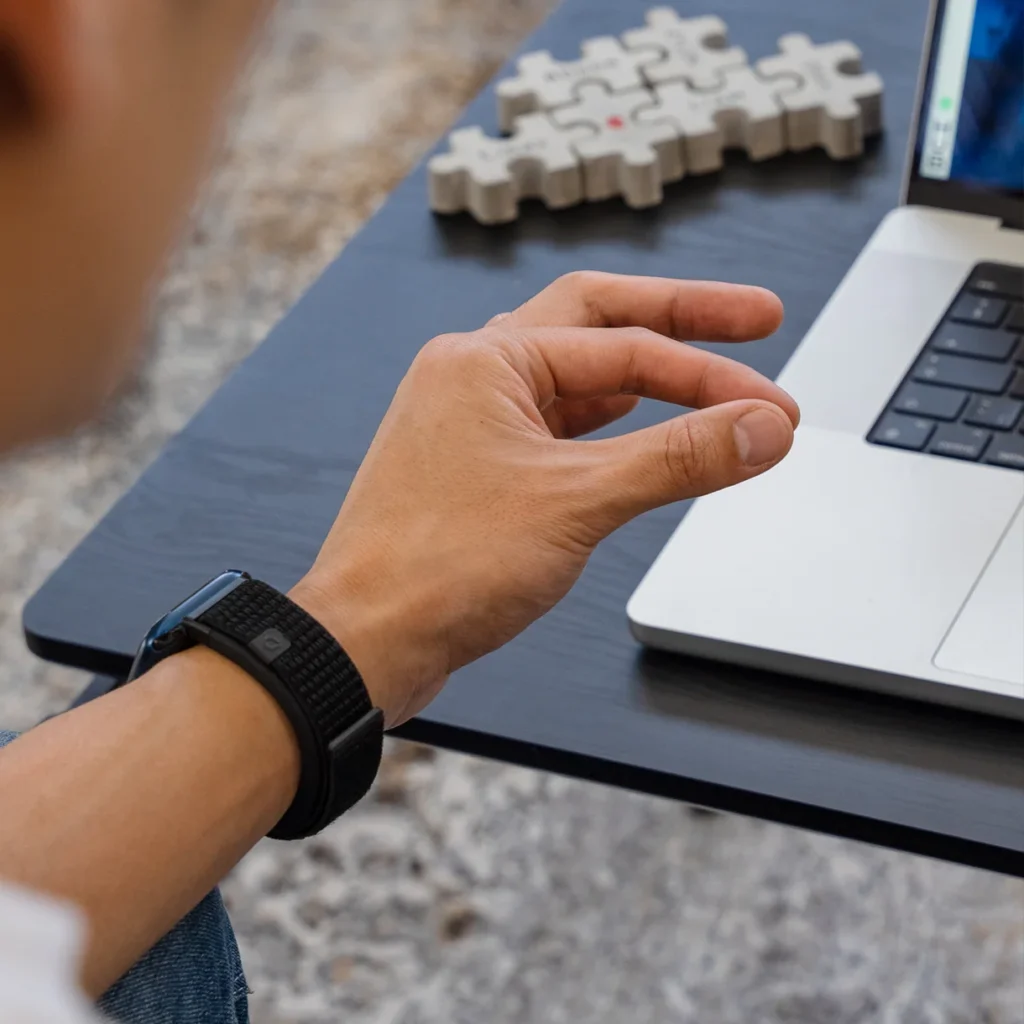
The device attaches directly to your Apple Watch as a comfortable strap replacement. Here is how the internal system converts physical intent into digital action:
1. Electro-Arterial Sensors (SNC)
Specialized Surface Nerve Conduction (SNC) sensors sit flat against the underside of your wrist. These sensors detect microscopic electrical impulses from your motor nerves. Therefore, the band captures your movement intent the exact millisecond your brain tells your fingers to move.
2. Neural Gesture Translation
Onboard algorithms quickly sort those nerve signals into distinct finger motions. For instance, a light tap of your thumb against your index finger acts as a select command. Similarly, a quick pinch or a hand tilt translates into a digital click, swipe, or scroll.
3. Contactless Device Interaction
The band listens to your nervous system rather than room audio or camera feeds. Because of this design, it works reliably in complete darkness, under thick jacket sleeves, and in noisy environments.
Real-World Use Cases: Where Neural Controls Win
Hands-free gesture control offers clear practical benefits across many everyday situations:
- Workouts and Running: You can skip music tracks or answer an incoming call on your Apple Watch with a quick finger pinch. Thus, you never have to break your running stride.
- Cooking and Chores: When your hands are covered in water or flour, you can scroll through recipes on an iPad without smudging the glass display.
- Presentations: Presenters can advance slides or select options from across the room without holding a plastic clicker.
- Mac and iPad Productivity: You can pair the band via Bluetooth to use hand movements as an air mouse. Consequently, you can click links and navigate documents naturally.
Form Factor and Daily Wearability
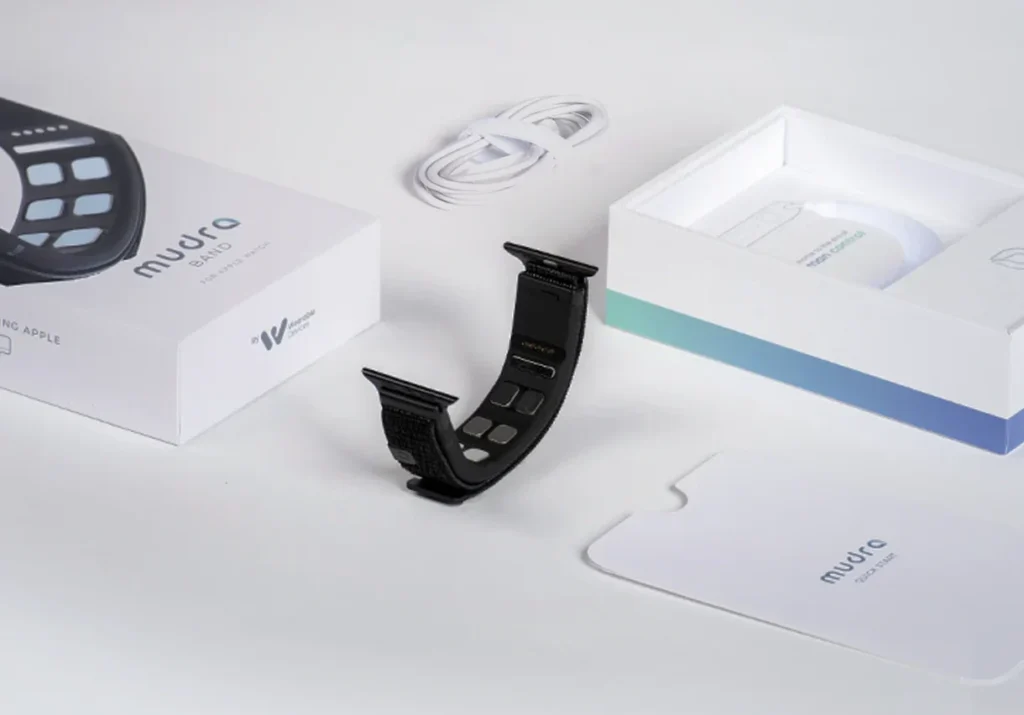
The Mudra Band functions as a custom strap that clips straight onto standard Apple Watch lugs. An internal battery powers the device for up to two days of regular gesture use. Furthermore, you can quickly recharge it using a magnetic snap-on cable.
The inner sensors feel smooth and hypoallergenic against your skin. Therefore, you can wear the band all day without experiencing skin irritation or wrist fatigue.
Final Thoughts
The Mudra Band offers an exciting look at the future of human-computer interaction. By moving away from touch screens and voice prompts toward direct neural sensing, it makes device control faster, quieter, and far more natural.
Overall, for tech enthusiasts and power users who want true hands-free control over their Apple ecosystem, this wristband is an impressive hardware upgrade.